
Download KoPlayer – Android emulator, PC gaming, mobile app, APK, install, free download
Overview
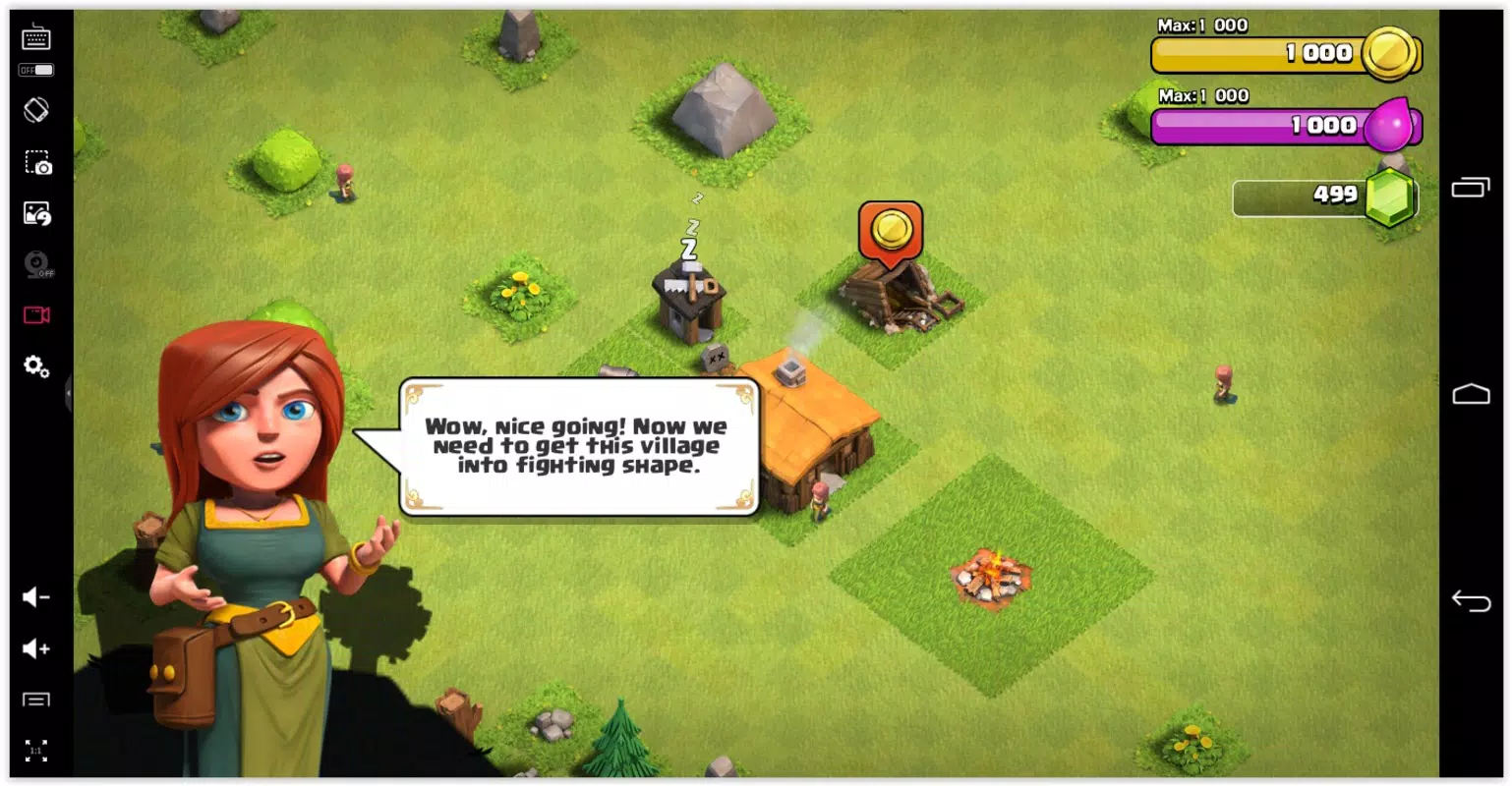
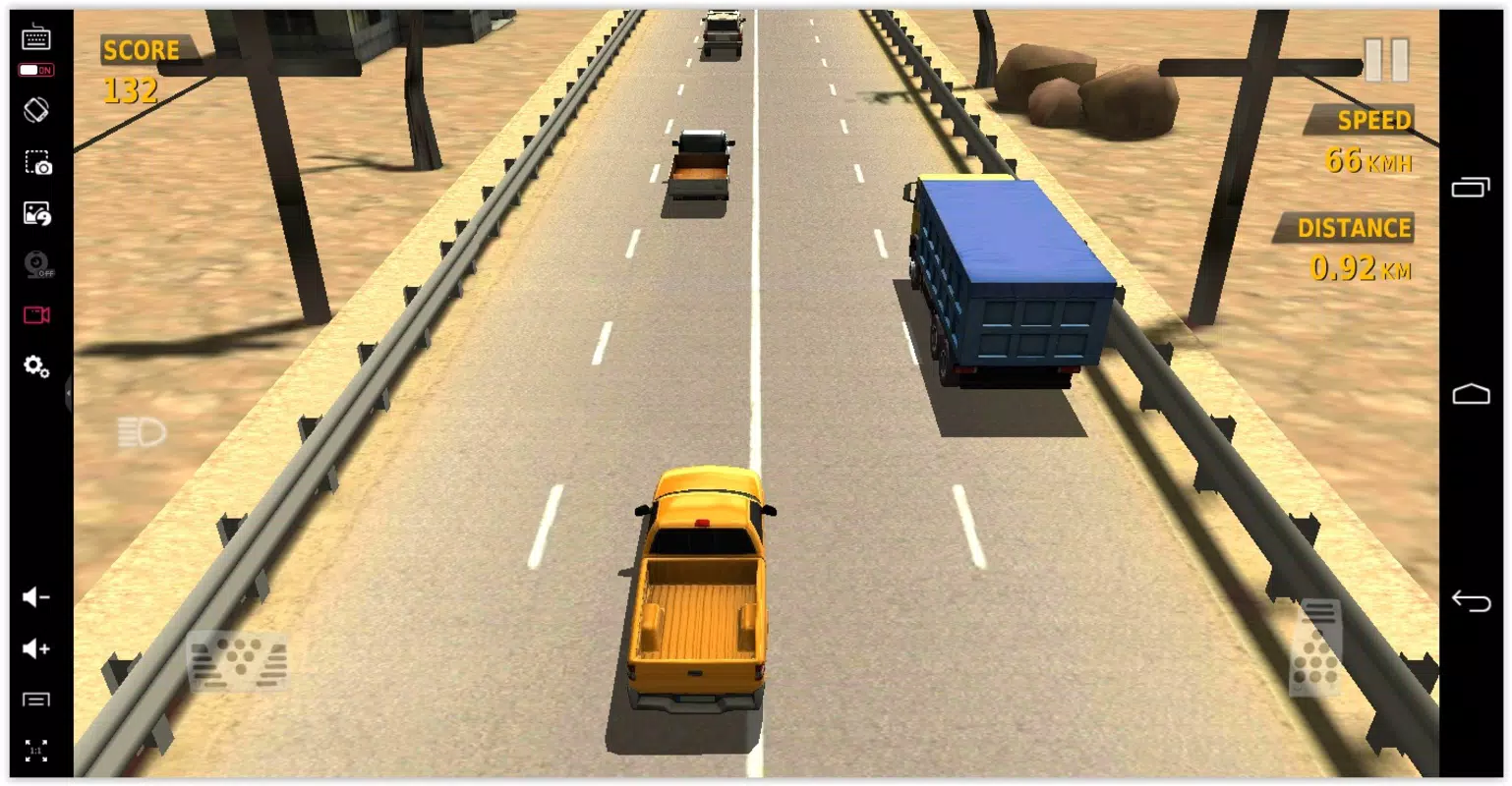
KoPlayer is a dedicated Android emulator designed to bring the full Android experience to Windows PCs. It enables users to run mobile applications and video games from Android devices directly on their desktops, bridging the gap between mobile and desktop computing. The app is particularly useful for gamers who want to play mobile titles on larger screens with enhanced control options, as well as for users who need to test or use Android apps in a desktop environment.
Its primary purpose is to deliver a seamless, high-performance emulation layer that mimics the functionality of smartphones and tablets. Target users include casual gamers, mobile app testers, content creators, and productivity-focused individuals seeking to multitask across platforms. The developer, KoPlayer, has positioned the app as a lightweight yet powerful solution for desktop-based Android usage.
Although the developer did not provide additional technical details about their background, the app’s straightforward functionality suggests a focus on accessibility and performance. Real-world use cases include playing mobile games with keyboard and mouse support, testing app behavior across devices, or running productivity apps like messaging platforms and social media tools on a larger display. In the broader app ecosystem, KoPlayer fills a niche for users who desire a free, no-configuration Android environment on their PC without the complexity of other emulators.
Key Features & Functionality
- Easy Setup – KoPlayer requires no technical configuration during installation. Upon launching, the emulator is fully operational, allowing users to begin using it immediately without needing to adjust settings or install additional components.
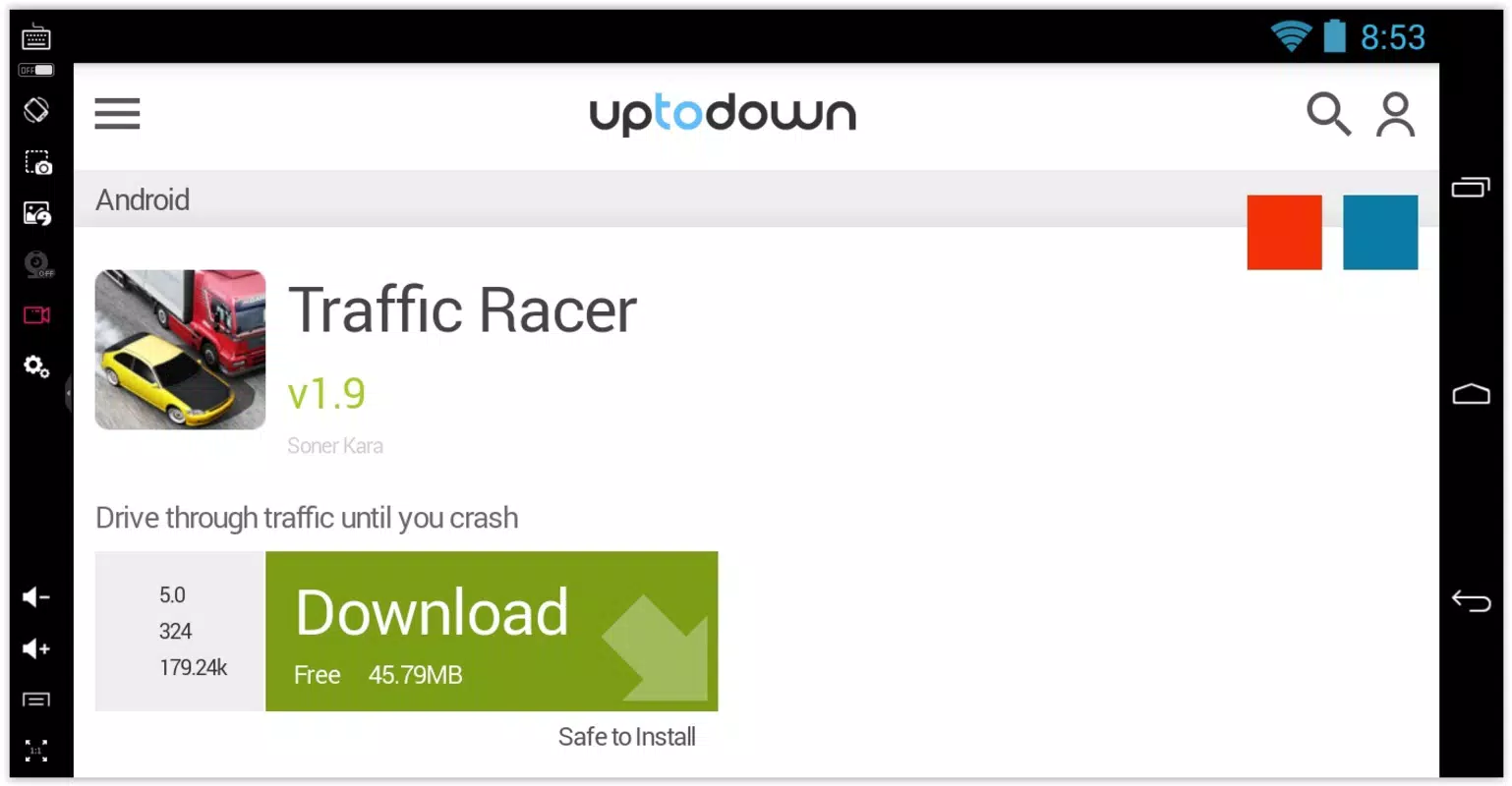
- Simple App Installation – The emulator comes with Google Play pre-installed, enabling direct access to thousands of Android apps. Users can also install apps from external sources such as Uptodown or by dragging and dropping APK files into the emulator window.
- Customizable Controls – Designed with gaming in mind, KoPlayer supports keyboard, mouse, and gamepad inputs. Users can tailor control schemes for different games, such as using the mouse for precision in strategy games or a gamepad for fast-paced action titles.
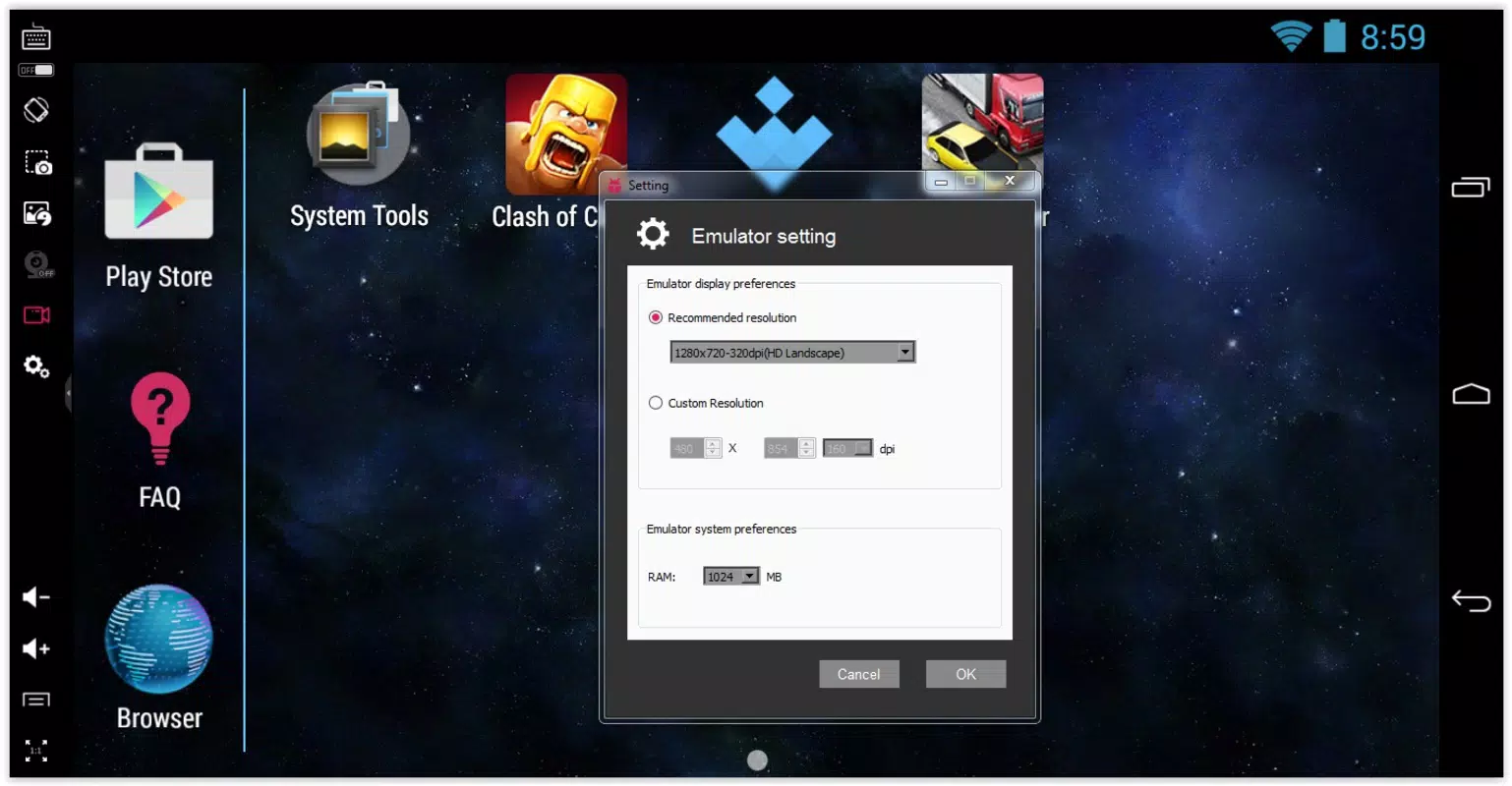
- Screen Capture and Resolution Settings – Users can capture screenshots and record gameplay videos directly within the emulator. The resolution can be adjusted to fit various screen sizes, offering flexibility for streaming, content creation, or personal viewing preferences.
- High-Quality Performance – KoPlayer delivers smooth video and audio output, ensuring a stable and responsive experience when running games and apps. The emulator is optimized to maintain performance across different hardware configurations.
These features support practical use cases such as streaming mobile games to a larger screen, testing app compatibility, or using mobile productivity tools like messaging apps or cloud storage services on a desktop. The integration of Google Play simplifies access to the Android ecosystem, while the drag-and-drop APK support allows for offline or niche app usage.
Interface, UX & Performance
The user interface of KoPlayer is clean and intuitive, designed with minimal clutter to prioritize functionality. The main window displays a virtual Android device that mirrors the screen of a smartphone or tablet, with accessible navigation buttons for common actions such as home, back, and recent apps. Navigation is straightforward, relying on mouse and keyboard inputs that are well-integrated with the emulator’s layout.
The overall experience is responsive, with minimal lag during app launches and gameplay. Although the developer did not list formal performance metrics, the emulator appears to maintain consistent frame rates and input responsiveness, particularly for mid-tier mobile games. Stability is maintained across various device categories, though performance may vary depending on the host PC’s hardware.
The emulator handles multitasking reasonably well, allowing users to run multiple apps simultaneously without significant slowdowns. Users can easily switch between tasks, such as browsing the web while playing a game, thanks to the efficient resource management. The interface adapts smoothly to different screen resolutions, ensuring a comfortable viewing experience on both standard and high-DPI displays.
Overall, the UX is beginner-friendly, making it accessible to users without prior emulator experience.
Platform Compatibility & Technical Requirements
KoPlayer is available exclusively for the Windows platform. The current version is 1.0.25, with a file size of 223 MB, indicating a lightweight installation that does not require significant disk space. The developer did not specify minimum OS requirements, nor did they provide details about CPU, GPU, or RAM needs.
As such, compatibility with older or newer Windows versions cannot be confirmed. However, given the app’s size and design, it is likely optimized for modern Windows systems. Users should ensure their PC meets standard requirements for running virtualized environments, though specific thresholds were not disclosed.
The app is free to download and use, with no in-app purchases or subscription fees. It is designed to run as a standalone application, requiring no additional software or drivers beyond the operating system’s native components.
Pros and Cons
Pros
- Free to download and use with no hidden costs
- Simple setup with no configuration required
- Google Play pre-installed for direct app access
- Supports APK installation via drag-and-drop
- Customizable controls for keyboard, mouse, and gamepad
- Screen capture and resolution adjustment features
- Lightweight file size (223 MB)
Cons
- Developer did not provide detailed system requirements
- Specific compatibility with older Windows versions is unclear
- Performance may vary depending on host PC hardware
- No official update history or changelog provided
- Compatibility with certain high-end mobile games may be limited
FAQ
Is KoPlayer safe to download and install?
Yes, KoPlayer is a free application that does not contain malware or intrusive ads. It is designed to run as a standalone emulator without requiring additional software or drivers.
Can I install APK files in KoPlayer?
Yes, users can install APK files by dragging and dropping them into the emulator window, providing flexibility for apps not available on Google Play.
Does KoPlayer support gamepads?
Yes, KoPlayer supports gamepad input, allowing users to configure controllers for optimal gameplay in mobile games.
Is KoPlayer available for macOS or Linux?
Currently, KoPlayer is only available for Windows. There is no official version for macOS or Linux.
How often is KoPlayer updated?
The developer has not published a public update schedule or changelog. Users are advised to check the official website for the latest version.
Final Thoughts
KoPlayer stands out as a practical and accessible Android emulator for Windows users seeking to extend their mobile app and gaming experience to the desktop. Its no-configuration setup, built-in Google Play access, and support for APK installation make it ideal for casual gamers, content creators, and productivity users alike. The customizable controls and screen capture features enhance usability, particularly for those who stream or record gameplay.
While specific technical details are limited, the app delivers a stable and responsive experience on compatible systems. Its lightweight footprint and free pricing model further increase its appeal. For anyone looking to run Android apps and games on their PC without complexity, KoPlayer offers a compelling solution.
Download KoPlayer now.


